

Need help recovering missing WordPress posts? See our maintenance services or contact us if your site is losing traffic to 404s.
Want help with 404 recovery for your own site? Explore our services or contact us for a free consultation.
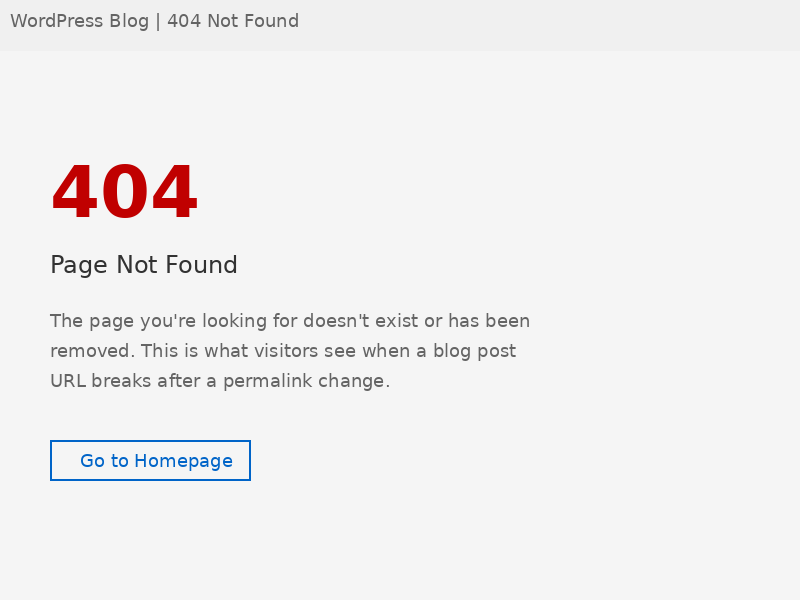
You open your website analytics one morning and something’s wrong. Blog posts that were ranking, getting clicks, and driving real traffic are suddenly returning 404 errors. The content still sits in your WordPress dashboard — published status, everything looks fine — but visitors and search engines hit a dead end the moment they follow the link. For small business owners in Columbus, OH who depend on organic search traffic, this scenario causes real revenue damage, and it starts accumulating from the moment those URLs break.
Understanding the causes of WordPress blog posts going missing and mastering 404 error recovery is the difference between watching your rankings crater and getting every post back before Google reassigns that traffic to a competitor.
What Actually Causes WordPress Posts to Return 404 Errors
A 404 error doesn’t always mean your content is deleted — it means the URL no longer resolves to anything on your server. The connection between the address and the post broke somewhere. Understanding the root cause is what determines how you fix it. Here are the four most common culprits:
- Permalink structure changes: WordPress generates every URL based on the structure you set under Settings → Permalinks. Switching from /year/month/post-name/ to /post-name/ changes every existing URL on your site overnight. Google’s index still holds the old URLs. Every visitor who clicks a search result now lands on a 404.
- Plugin conflicts after updates: SEO plugins, caching tools, and redirect managers sometimes overwrite WordPress’s native rewrite rules during updates. A plugin update conflict affecting sites running certain caching and custom post type combinations was documented to break rewrite rules for hundreds of installs simultaneously — all at once, with no obvious warning sign.
- Accidental bulk status changes: A single misfire on the bulk edit screen can switch dozens of posts from “Published” to “Draft” in one click. The content stays in the site data, but it vanishes from the public site instantly. This is one of the most common causes of suddenly missing posts because it leaves no visible trace in the dashboard beyond a status column change.
- Hosting migrations without proper redirects: Moving between hosts, switching to HTTPS, or changing domain structures without implementing 301 redirects creates massive URL mismatches. The new server has no mapping between old and new paths, so every inbound link — including the ones Google has indexed — returns 404.
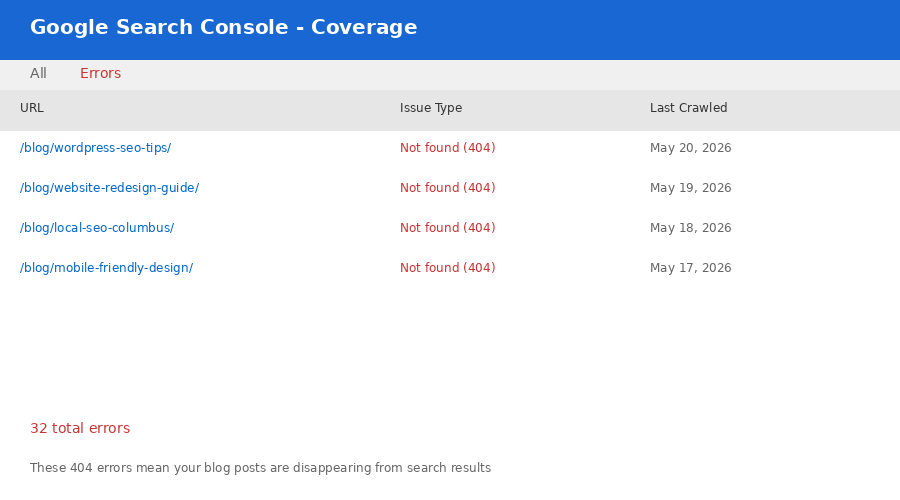
According to Google Search Console data, pages returning 4xx errors lose their indexed position within 30–60 days if not corrected. For a site with 32 affected posts, that’s potentially years of accumulated ranking authority evaporating in under two months.
How to Audit the Full Scope of the Problem
Before you fix anything, you need to know exactly how many URLs are broken and where Google last saw them. Guessing at the scope leads to partial fixes that leave some posts still returning 404 after you think you’re done.
Run through this diagnostic checklist in order:
- Open Google Search Console → Coverage → Excluded → Not found (404). This shows every URL Google attempted to crawl that returned a 404. Export the full list — this is your master recovery list.
- Cross-reference against your WordPress post list. Go to Posts → All Posts in your dashboard. Sort by status. Look for posts that exist in the site data but are in Draft status when they should be Published. Compare titles against the 404 URL list.
- Check your current permalink structure. Go to Settings → Permalinks and note the current setting. Then check whether your existing published posts generate URLs that match what Google has indexed. A mismatch here confirms a permalink structure change caused the problem.
- Test five representative URLs manually. Paste five affected URLs from the GSC list directly into a browser. Note exactly what response you get: pure 404, a redirect to the homepage (soft 404), or a circular routing issue. The response type tells you whether rewrite rules are broken or posts were actually unpublished.
- Check your server rewrite rules file. For hosting-based WordPress hosts, the the server rewrite rules file file handles URL rewriting. If it’s been corrupted, overwritten by a plugin, or is missing the WordPress block entirely, all post URLs break simultaneously.
A business like yours might find 32 posts returning 404 and assume all 32 need individual attention. But after running this checklist, you might discover that 28 of them broke because of a single permalink structure change — meaning one fix resolves 28 posts simultaneously.
The Step-by-Step Recovery Process
Once you know what you’re dealing with, recovery follows a specific sequence. Working out of order creates new problems — particularly when it comes to redirects and rewrite rules.
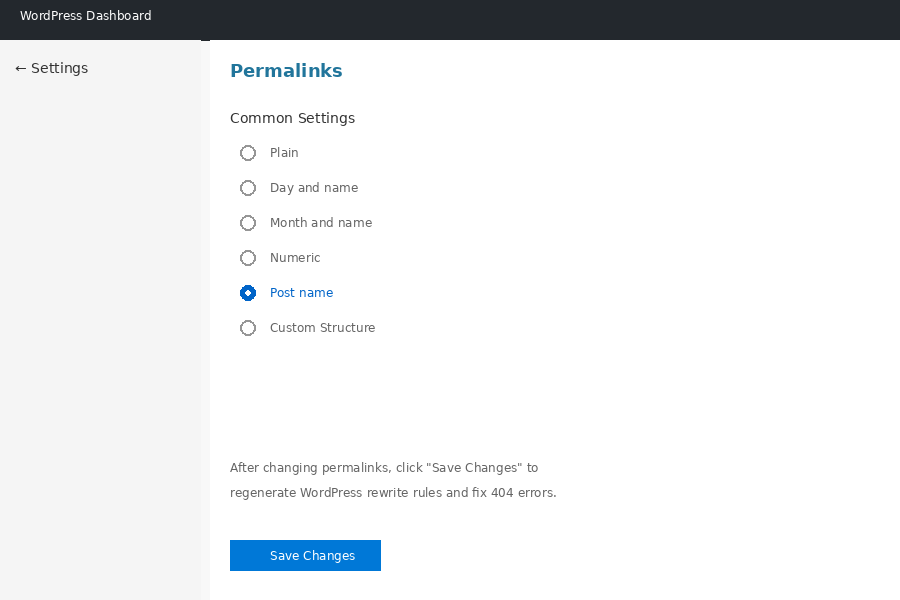
- Permalink structure change — Save permalinks and add 301 redirects from old URL patterns. Time: 1–2 hours. Complexity: Low–Medium.
- Accidental draft status — Bulk re-publish via All Posts → Bulk Edit → Publish. Time: 30 minutes. Complexity: Low.
- Corrupted rewrite rules file — Regenerate by going to Settings → Permalinks → Save Changes. Time: 5–10 minutes. Complexity: Low.
- Plugin conflict — Deactivate plugins one by one, then re-save permalinks to identify the culprit. Time: 2–4 hours. Complexity: Medium.
- Migration without redirects — Build a redirect map using the Redirection plugin or host-level rules. Time: 4–8 hours. Complexity: High.
Critical rule: Always implement 301 redirects from broken URLs to their correct destinations — even when you’ve fixed the underlying cause. Google may have cached the old URL in its index for months. Without a 301, crawlers that revisit the old URL still get a 404 even after your fix is live. The 301 passes ranking authority from the old URL to the new one, preserving the SEO equity you built.
What 404 Errors Actually Cost Your SEO
The technical fix is only half the problem. Every day a post returns 404, it loses ground in search results — and that lost ground doesn’t automatically return once you fix the URL.
According to Ahrefs’ 2023 crawl data analysis, pages returning 404 errors for more than 90 days lose an average of 73% of their referring backlinks as other sites update or remove links pointing to dead content. For a local service business competing for terms like “web design Columbus OH” or “small business website management,” a single high-quality backlink to a lost post can represent months of link-building effort.
The compounding effect is significant: imagine a local home services company with 32 blog posts that had been earning organic traffic for 2+ years. Those posts collectively held backlinks from local directories, industry publications, and partner sites. A migration that broke all 32 URLs simultaneously didn’t just create 32 individual 404s — it broke the entire inbound link graph built over two years of consistent content work. Recovery without proper 301 redirects means rebuilding that link equity from scratch.
Prevention: How to Ensure It Never Happens Again
Once you’ve recovered your missing posts, the priority shifts to making sure this doesn’t repeat. The most effective prevention measures address the three highest-risk events: plugin updates, permalink changes, and migrations.
Build these habits into your site management routine:
- Run a crawl before and after every major plugin update. Tools like Screaming Frog (free up to 500 URLs) or the WebsiteLinter tool at websitelinter.com can identify 404 errors across your entire site in minutes. A pre-update baseline gives you something to compare against after the update runs.
- Never change permalink structure on a live site without a redirect plan. If you must change it, use the Redirection plugin (free, 2M+ active installs) to automatically capture the old URL pattern and create 301 redirects to the new structure before switching.
- Create a pre-migration checklist for any hosting move. This should include: crawl all current URLs to a CSV, verify HTTPS redirect rules, test the server rewrite rules file rewrite rules in the new environment, and confirm GSC is tracking the new domain property.
- Set up Google Search Console alerts. GSC sends email notifications when it detects new crawl errors. Catching a 404 the day it appears is infinitely easier than discovering it three months later when rankings have already dropped.
- Back up your site data weekly. A full site data backup means you can restore to a known-good state if a bulk edit or plugin conflict wipes out post statuses.
For small businesses managing their own WordPress sites, the reality is that most 404 errors are preventable with a handful of consistent habits. The businesses that avoid these problems aren’t using more expensive tools — they’re checking their site health more regularly.
When to Call in Professional Help
Some 404 recovery scenarios exceed what a site owner can safely handle without technical expertise. If your audit reveals any of the following, working with a professional web agency is worth the investment:
- More than 50 broken URLs requiring individual redirect mapping
- A migration that involved domain changes, subdomain restructuring, or multi-site configurations
- 404 errors that persist after regenerating permalinks and checking the server rewrite rules file (may indicate a server-level configuration iss
Sources and Further Reading
Ready to put 404 recovery to work on your site? See our services or request a free consultation.
Want a backup plan before another post disappears? Explore our services or contact us to put one in place.
References: Google Search Central: HTTP status codes · WordPress hardening guidance